MyCVPlanner

MyCVPlanner makes it easy to create a clear, professional CV.

  • Add your profile, work experience, and education, then arrange everything in the right order.
  • Adjust the content and design at any time, and export your CV when everything looks right.
  • Your data stays under your control: work locally and decide for yourself when anything is shared online.
  • Create CVs that are clearly structured for modern digital reading and AI-assisted workflows.

From your first entry to a finished CV
MyCVPlanner guides you through every step: enter your details, choose the design, and export your finished CV.

Step 1: Setup and project start in MyCVPlanner
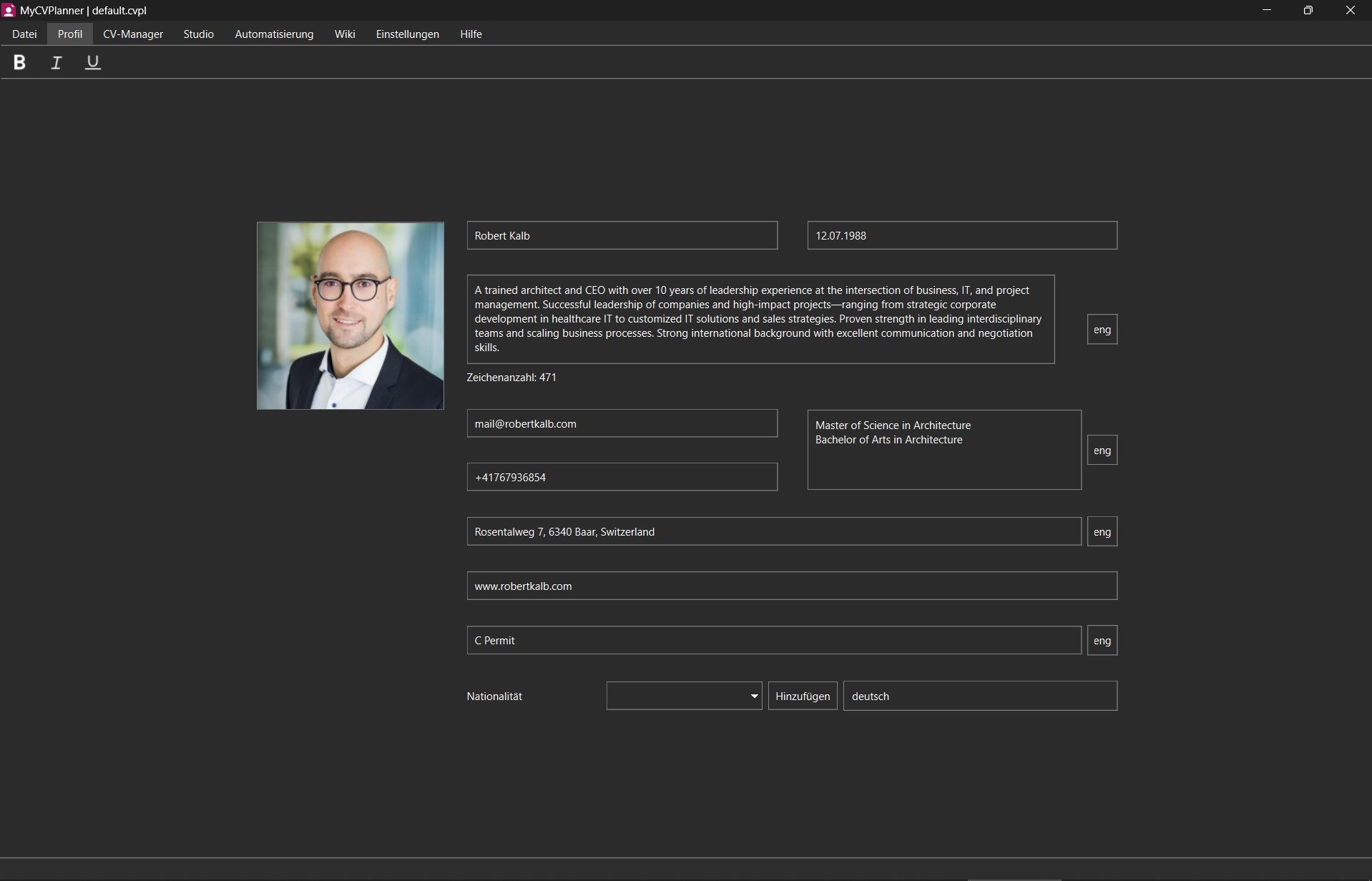
Step 1: Create a new project and enter your personal details.
Step 2: Build profile content in MyCVPlanner
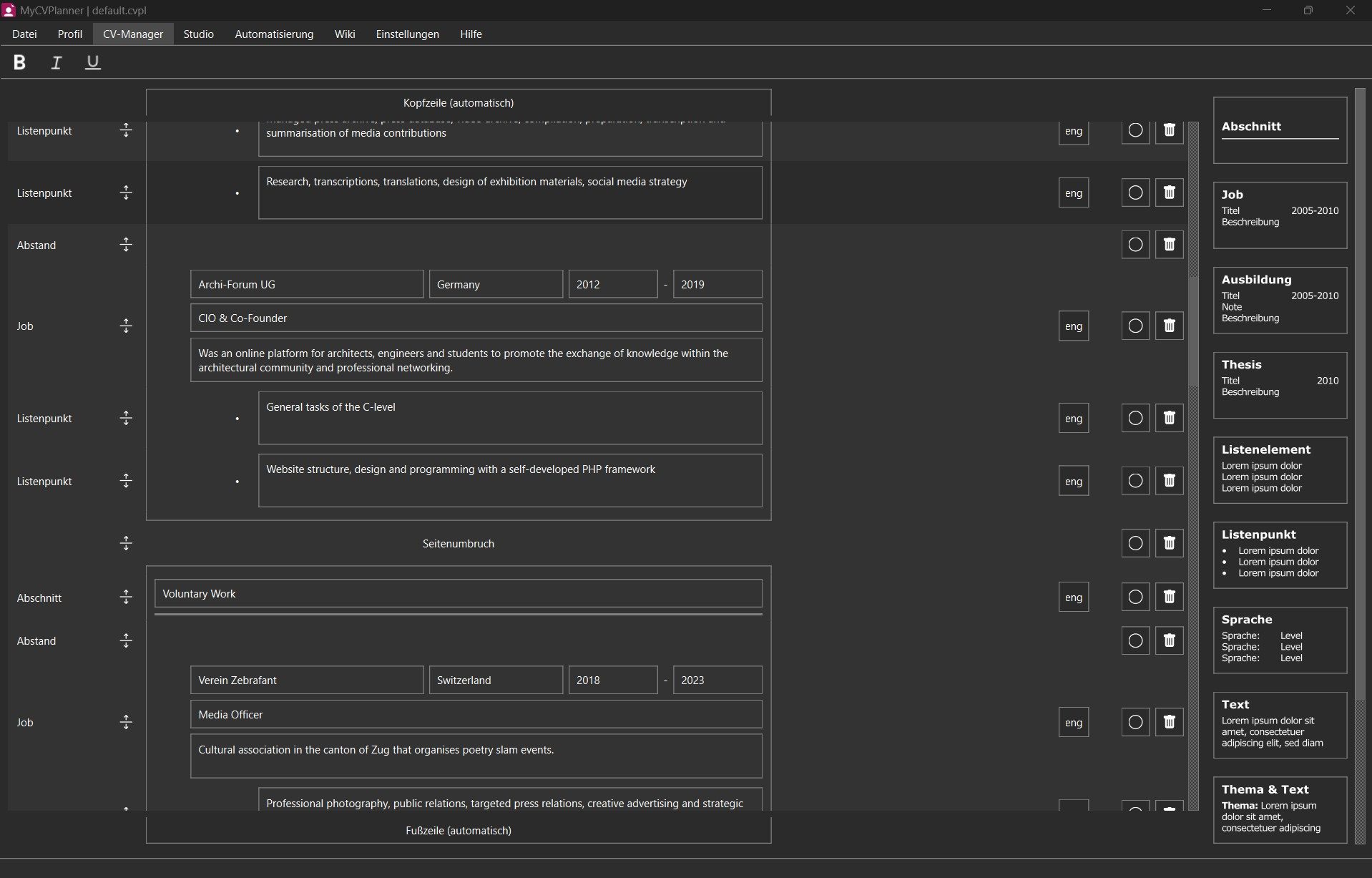
Step 2: Add your work experience, education, skills, and other information.
Step 3: Refine and optimize CV details
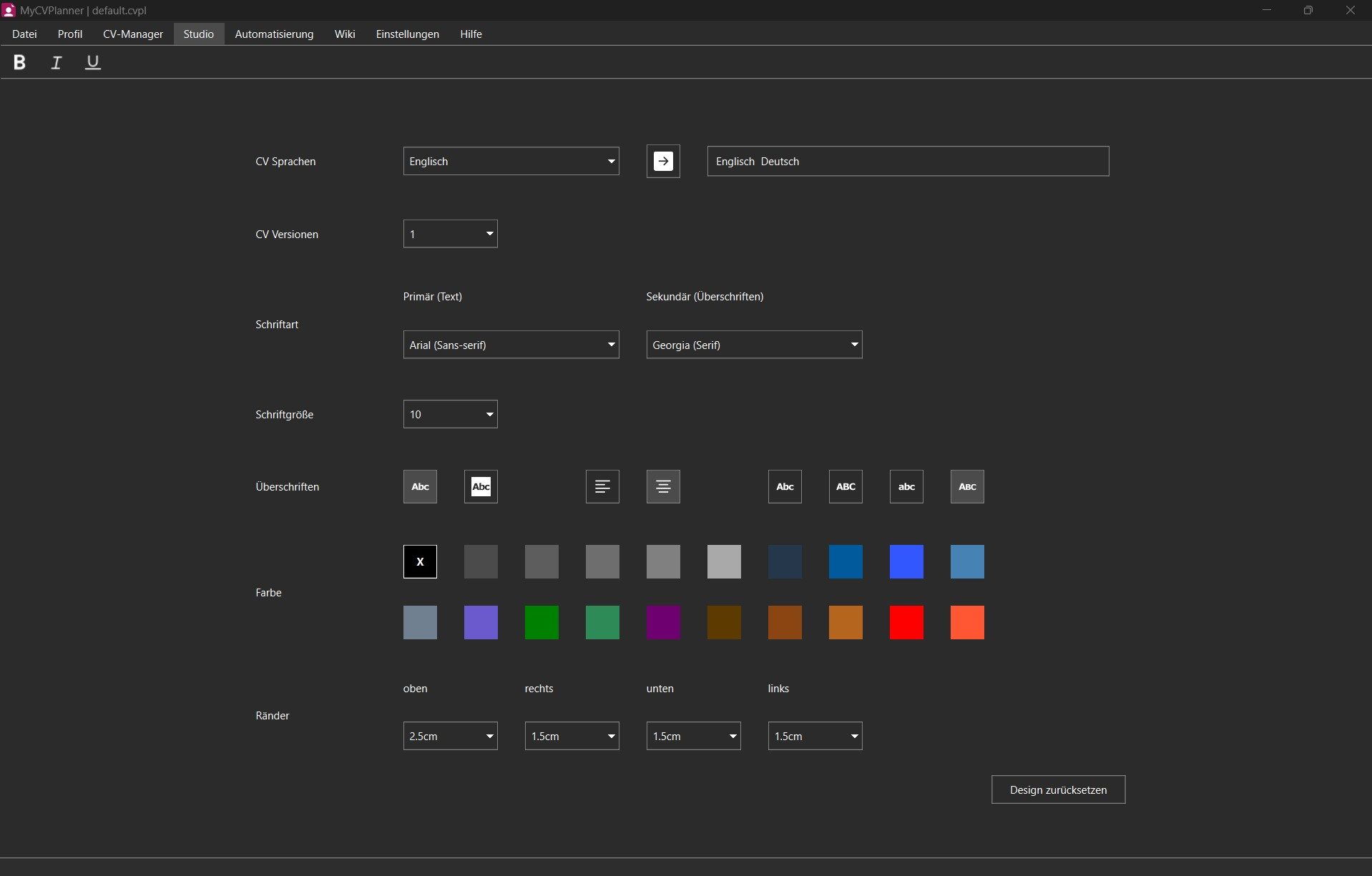
Step 3: Choose fonts, colours, and other design settings in the Studio.
Step 4: Finished CV output ready to send
Step 4: Review the result and export your finished CV.

Import your CV with AI

Already have a CV? Upload it and let MyCVPlanner import the details automatically.

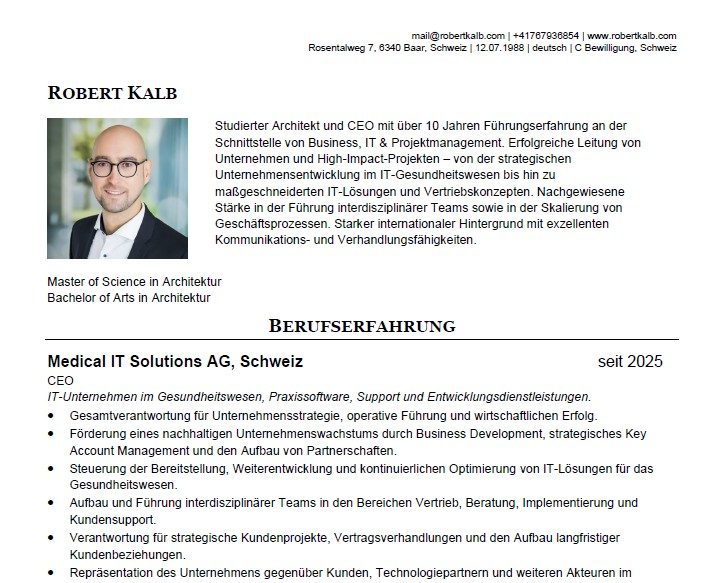
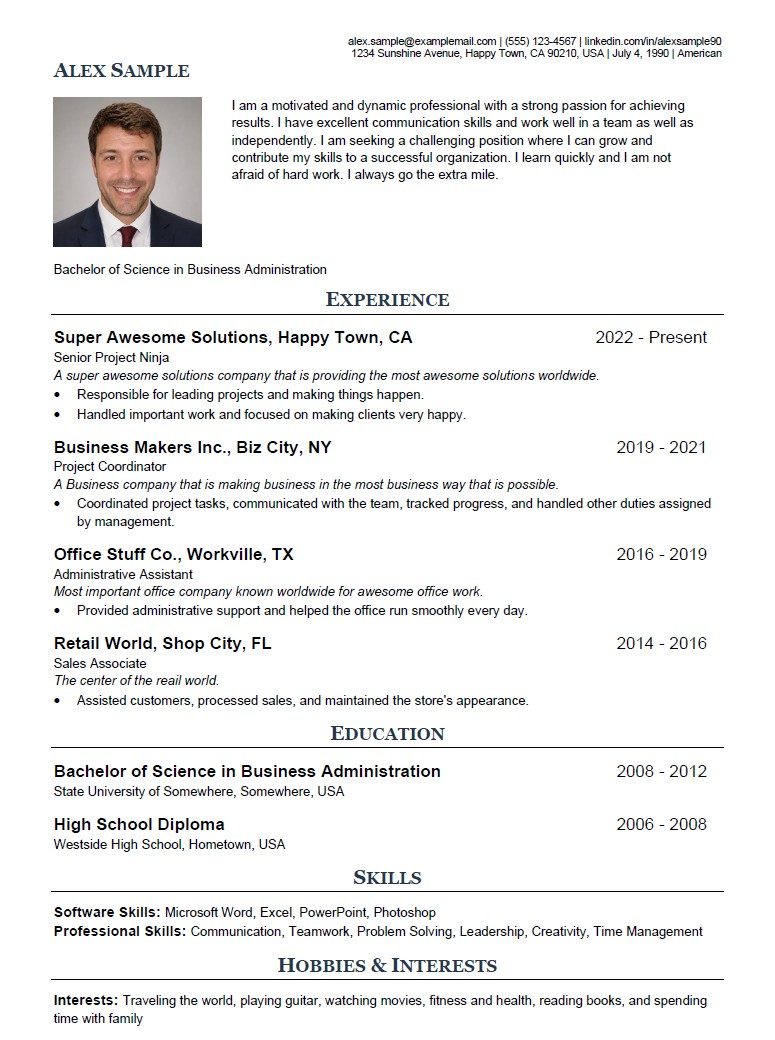
Existing CV before AI import and structuring
Upload your existing CV in the CV Agent.
AI reads your CV and extracts the key details.
AI places each detail into the right CV Manager fields.
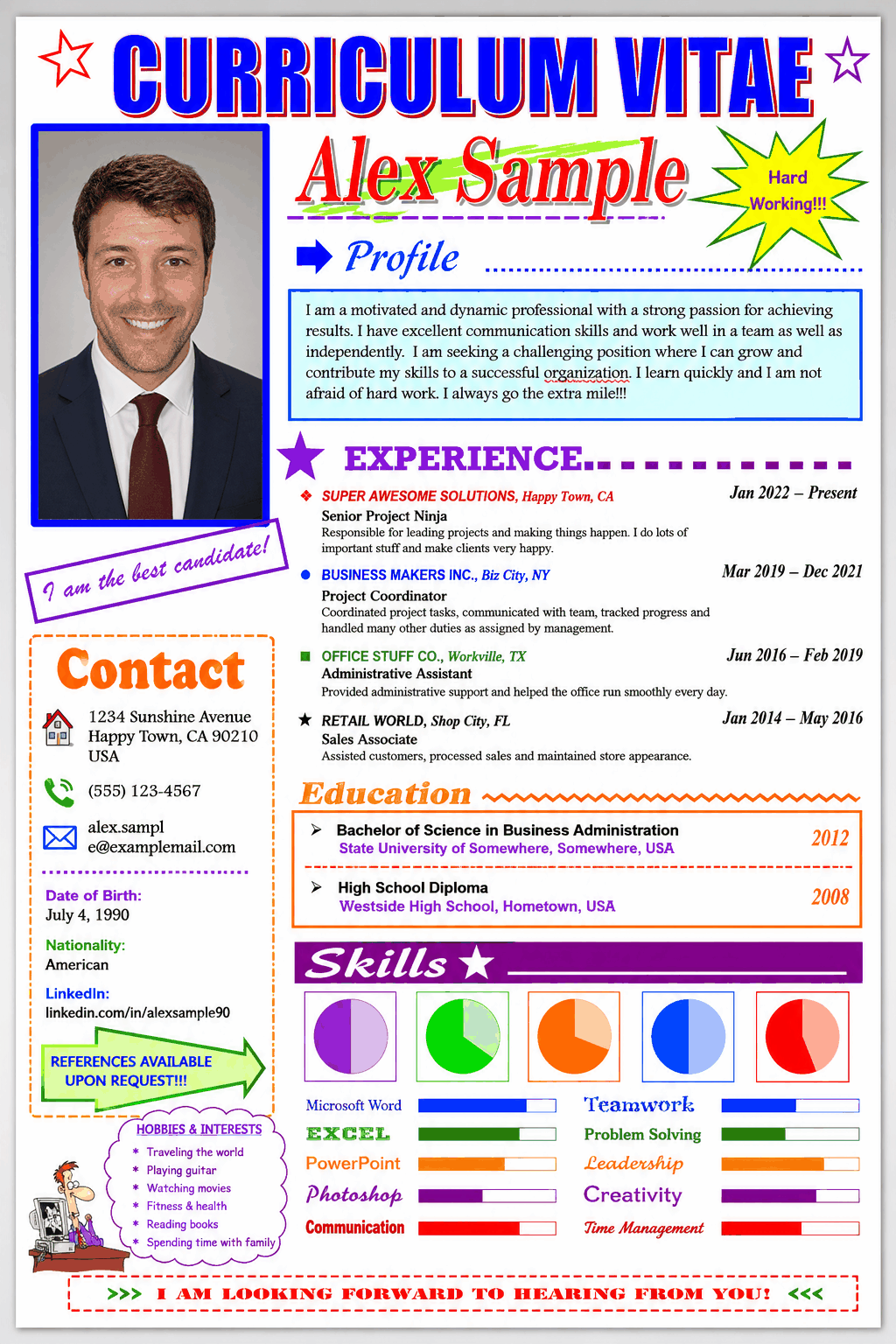
Structured CV result after AI conversion in MyCVPlanner
Review, refine, and export the final CV.